Dark mode
How to switch the GENCY Editor to a dark screen. Dark mode only dims the area around the edit screen — your product detail page is unaffected.
Working late and the screen feels too bright? Dim the area around the edit screen.
- Where do I turn it on? [Menu] > Convenience features > [Dark mode].
- Does my product detail page go dark too? No. Only the screen does.
To dim the screen
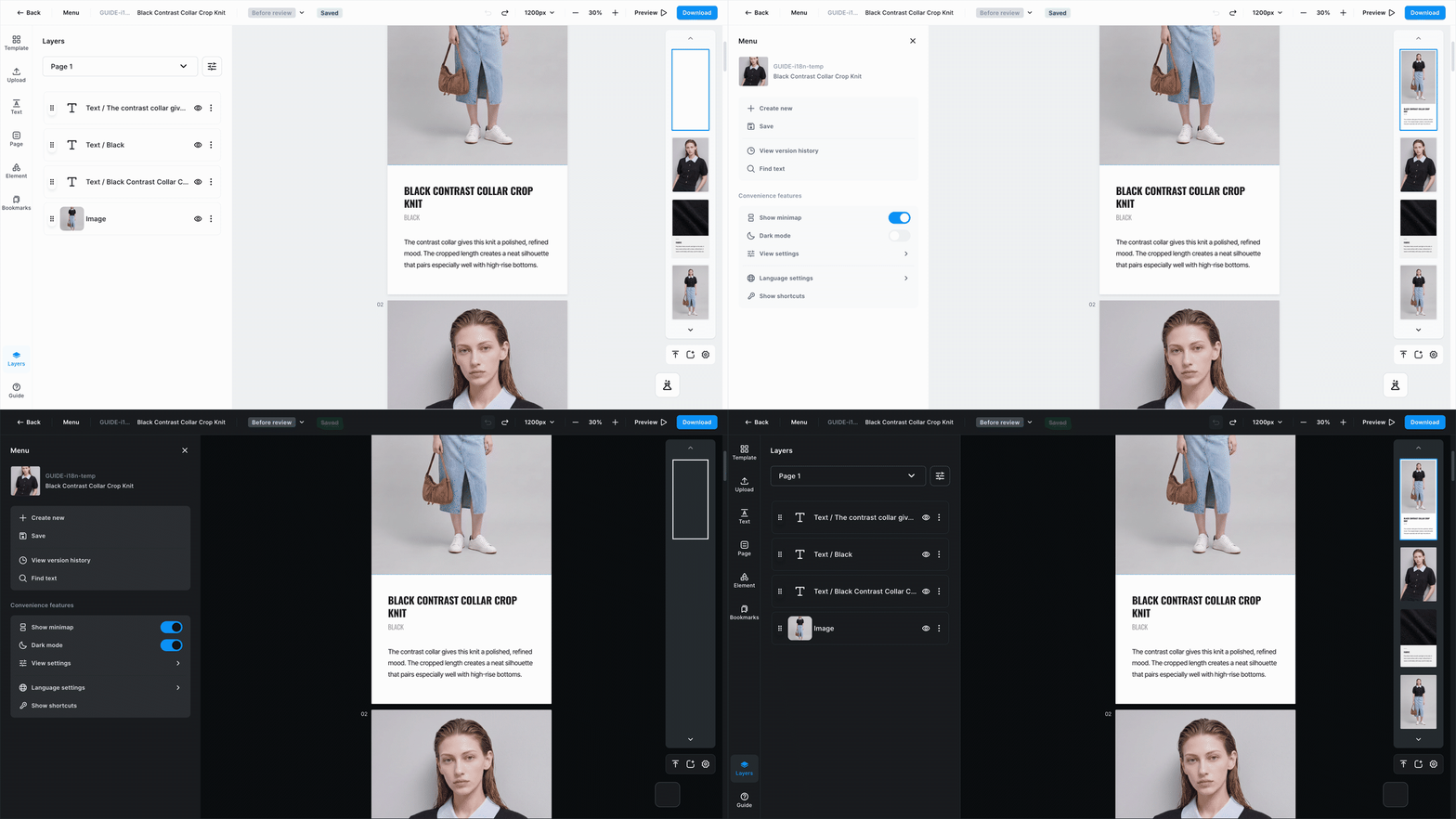
Turn on [Menu] > Convenience features > [Dark mode] and the screen goes dark. Easier on the eyes when you're working late.
info
Only your screen goes dark — the product detail page stays the same. What customers see and what you download aren't affected at all. Turn it on once and it's still on next time you come back.