03.19 ㅣ User guide renewal
User guide renewal
We've completely renewed the user guide. Whether you're a first-time user or already familiar with GENCY, we've restructured every page so you can use GENCY more easily and quickly.
At a glance
Improved2
Every page rewrittenWe rewrote the content of all 17 pages from a UX expert's perspective.
GuideService Overview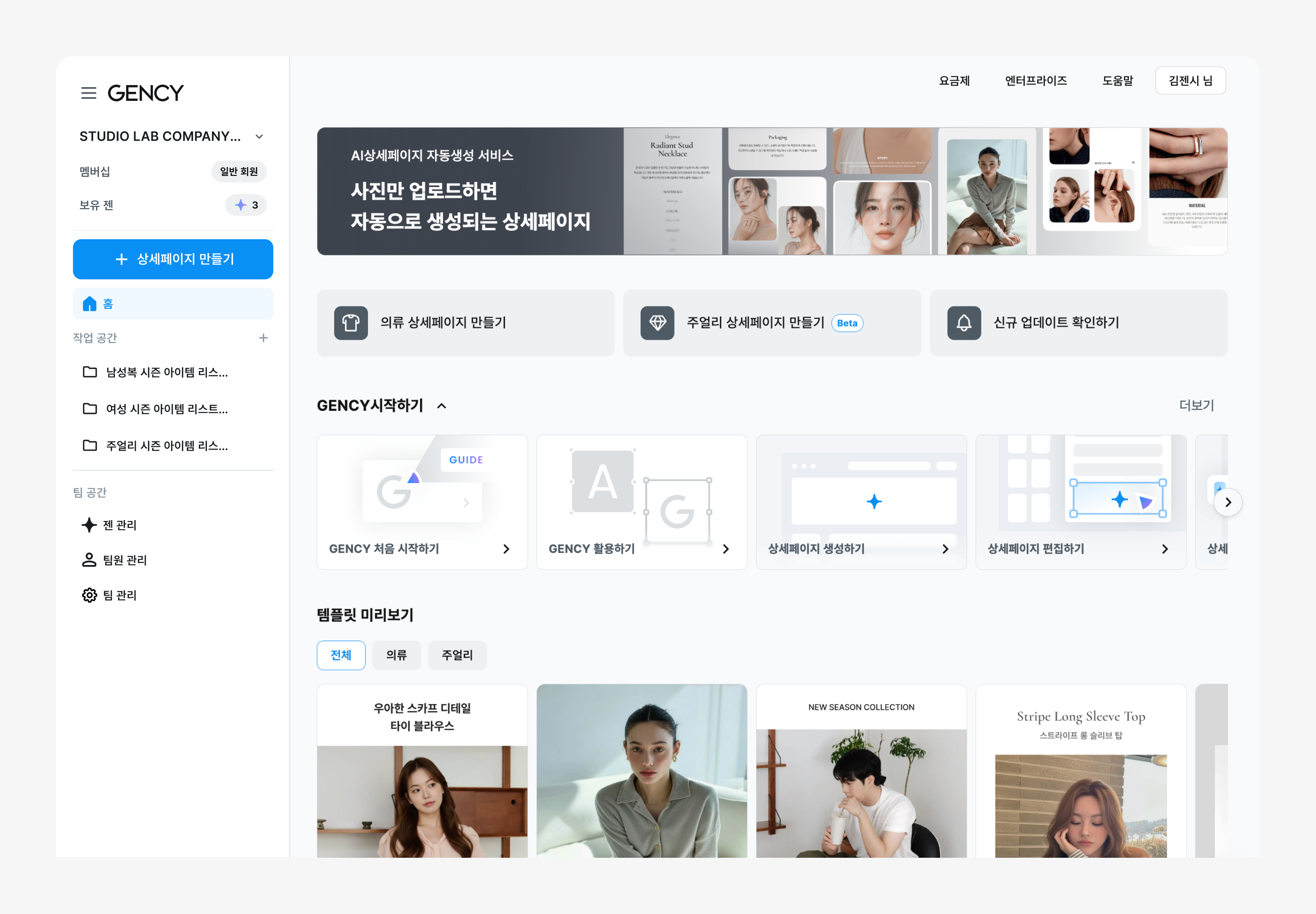
We rewrote the content of all 17 pages from a UX expert's perspective.
- Changed the structure from feature-listing to usage-flow oriented.
- Explains in what situation and why each feature is needed, with context.
- Structured so that even first-time users can complete a result by following along in order.
Screenshots fully replacedWe created 34 new screenshots using real product images (fashion, jewelry).
GuideService Overview
We created 34 new screenshots using real product images (fashion, jewelry).
- Instead of the previous sample images, we use product images closer to real use cases.
- You can immediately see how the screen looks at each step.
New3
Editor focus screenshots addedWhen explaining each Editor feature, we added focus screenshots that zoom into just that area.
GuideGetting started with the Editor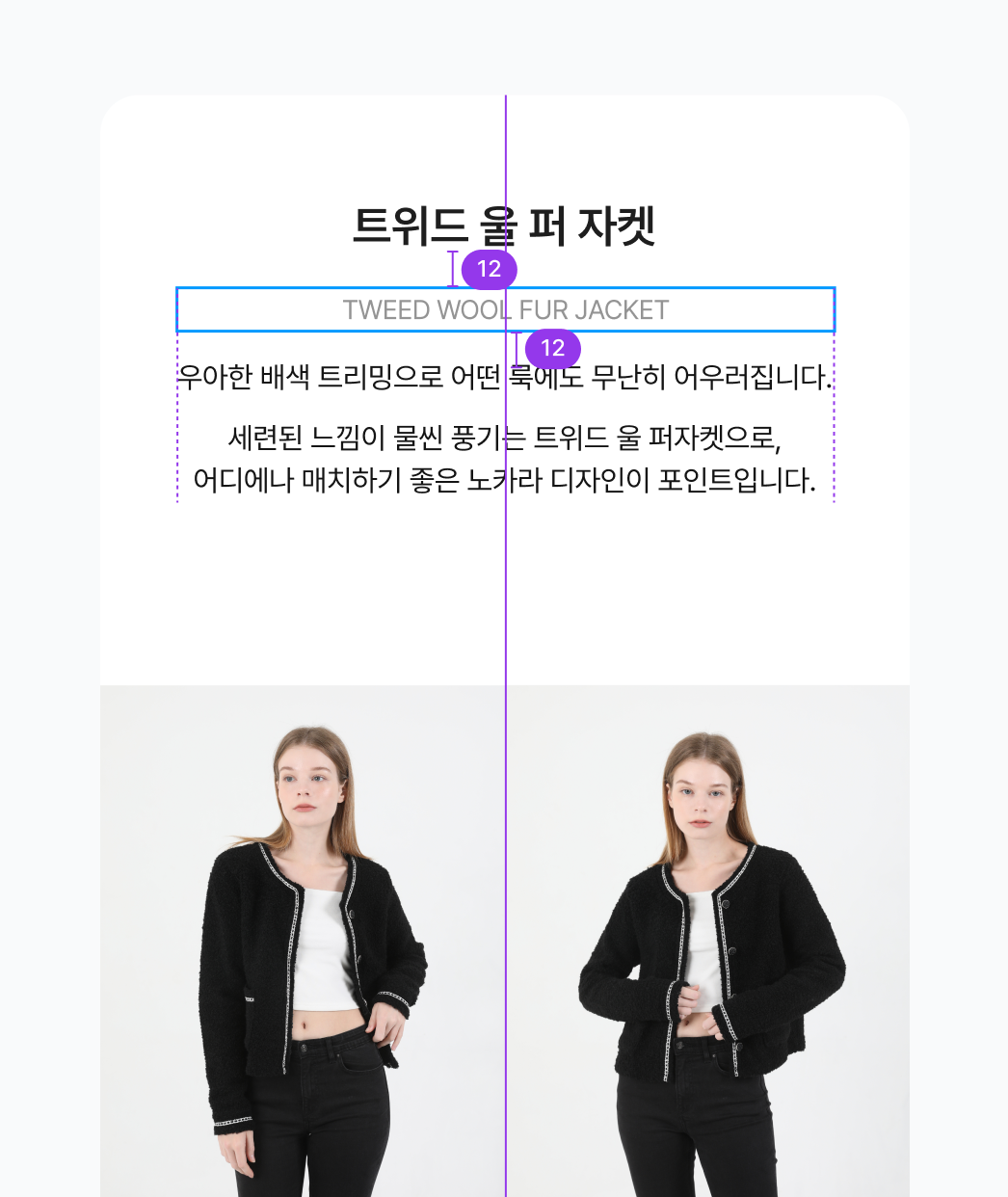
When explaining each Editor feature, we added focus screenshots that zoom into just that area.
- By highlighting only the relevant feature area rather than the whole screen, you can instantly tell where to look.
- You can intuitively grasp the position of buttons, panels, and options.
Recommended editing-order guide introducedWe created a new guide that walks you through an efficient editing order in the Editor.
GuideGetting started with the Editor
We created a new guide that walks you through an efficient editing order in the Editor.
- It guides you in the order of background removal → placement → resizing → text → save.
- First-time users can complete a result naturally, without getting lost.
Editor screen layout explanation addedWe added a page explaining the role of each area of the Editor screen (toolbar, layer panel, canvas, etc.).
GuideGetting started with the Editor
We added a page explaining the role of each area of the Editor screen (toolbar, layer panel, canvas, etc.).
- From the moment you first open the Editor, you can understand what each area is for.
info
You can view the renewed user guide here.
— The GENCY team