04.06 ㅣ Team Drive launch
Team Drive launch
We've added a new Team Drive feature so you can manage your product images more efficiently.
At a glance
New4
Team DriveA cloud storage space shared by your whole team.
GuideGetting started with Team Drive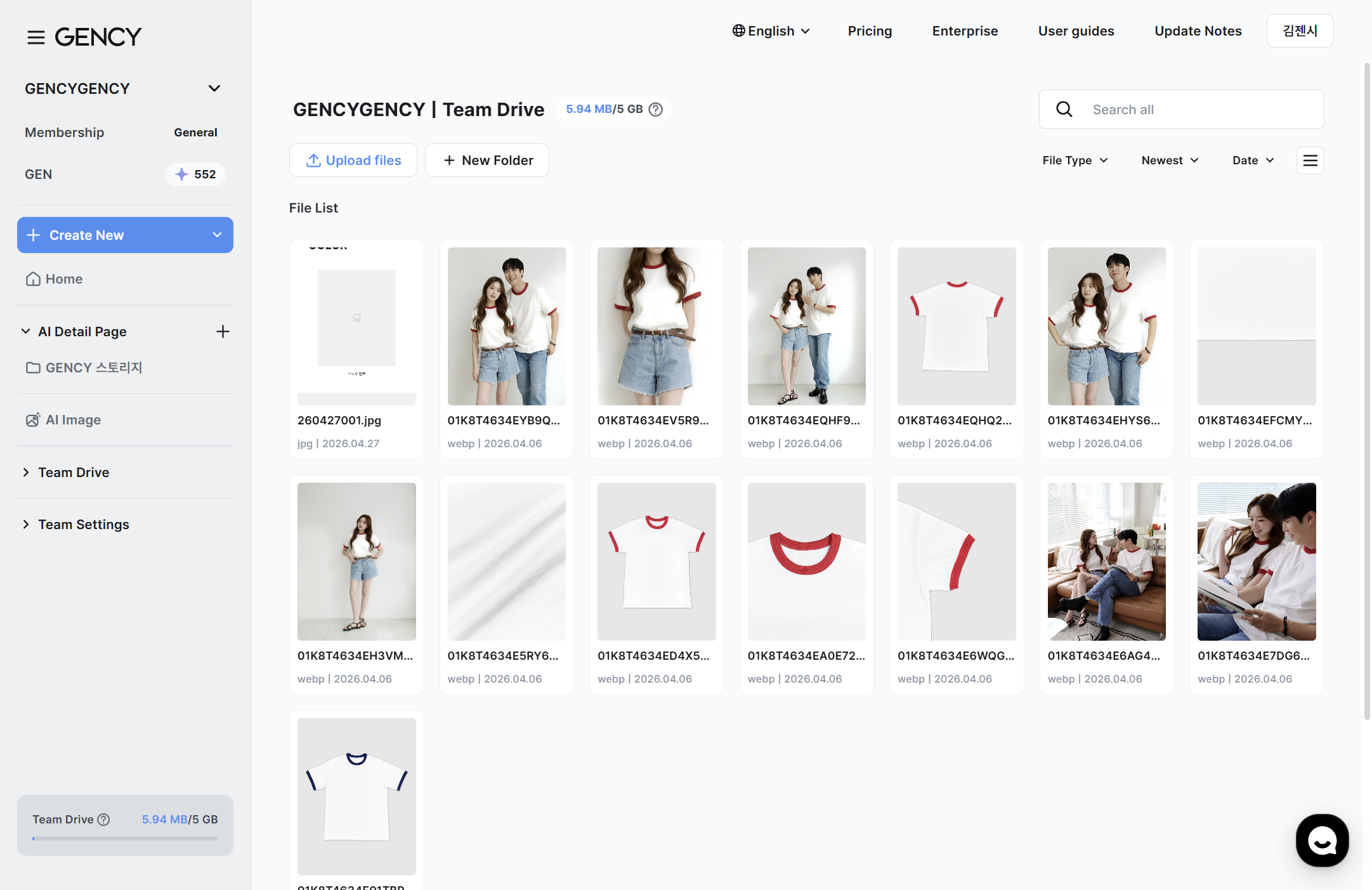
Team Drive — view uploaded images as thumbnails and organize them into folders
A cloud storage space shared by your whole team. Upload your product images in one place and organize them into folders to manage them systematically.
- Organize freely by creating, moving, and renaming folders.
- Switch between thumbnail view / list view, and use search, sort, and filter functions.
- Check your Team Drive usage in real time from the sidebar.
Various upload methodsA single File upload button lets you choose from three methods.
GuideGetting started with Team Drive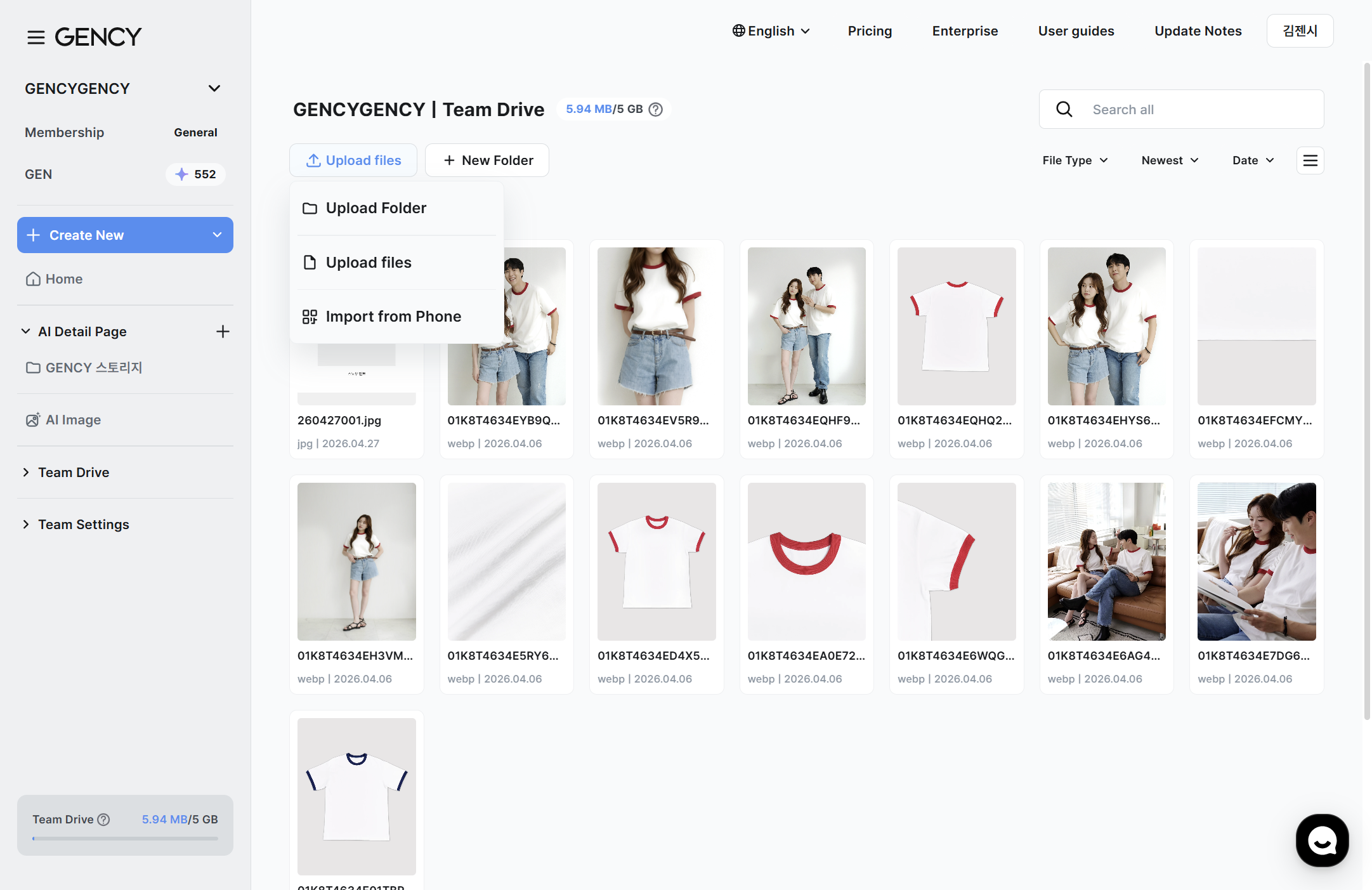
File upload dropdown — Folder/File/Phone upload 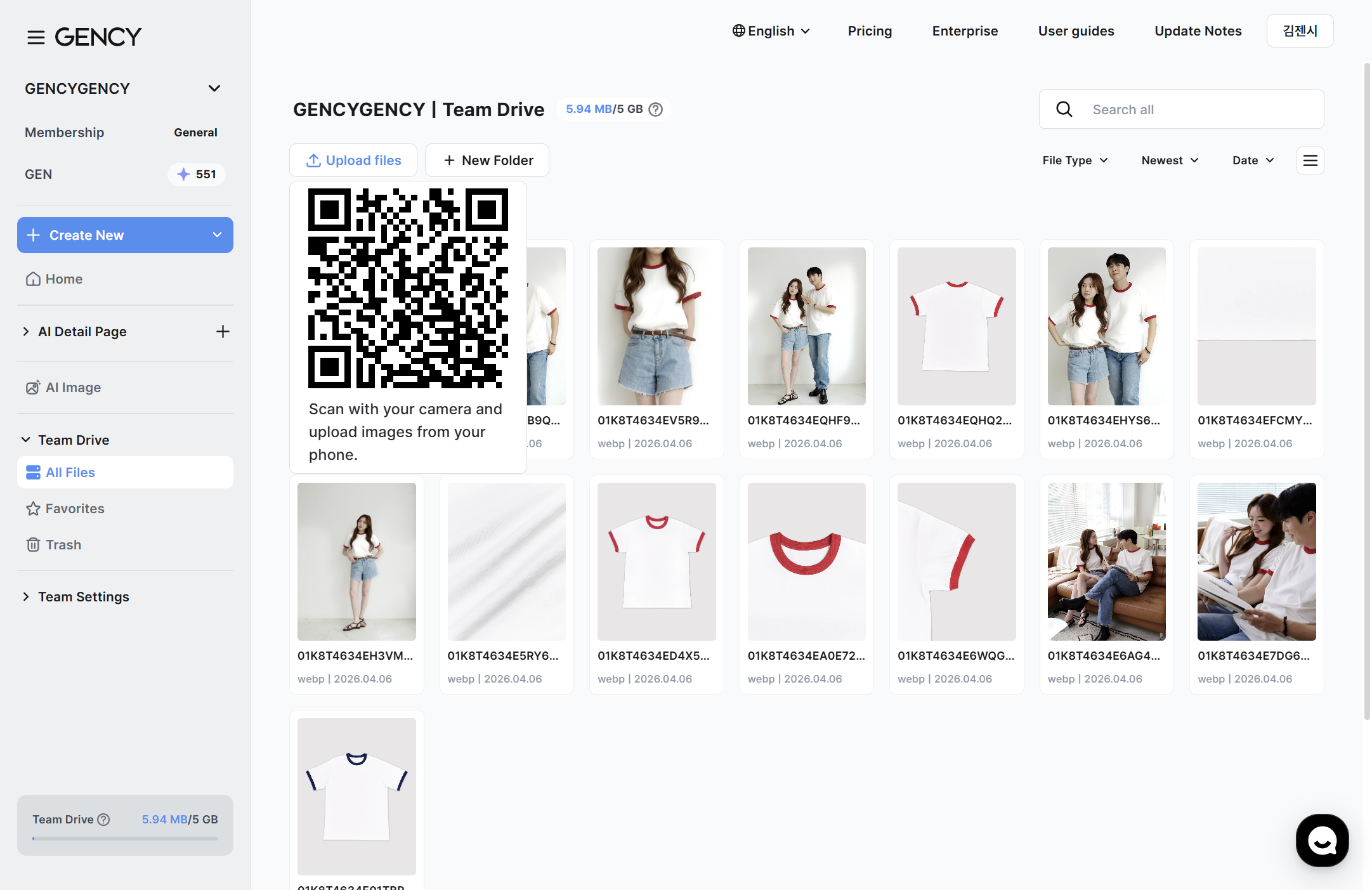
QR upload — scan with your mobile camera to upload right away
A single File upload button lets you choose from three methods.
- Folder upload ㅣ Upload an entire folder at once.
- File upload ㅣ Select and upload individual image files.
- Import from phone ㅣ Scan a QR code to upload directly from your mobile device.
Favorites & TrashFavorites ㅣ Star frequently used files for quick access.
GuideGetting started with Team Drive-updates.png)
Sidebar — Team Drive, All files, Favorites, Trash
- Favorites ㅣ Star frequently used files for quick access.
- Trash ㅣ Deleted files are kept for 30 days and can be restored within that period.
Editor integrationIn the Editor's Image tab, select Import from Team Drive to instantly load images stored in your Team Drive and use them on your product detail page.
GuideGetting started with Team Drive
In the Editor's Image tab, select Import from Team Drive to instantly load images stored in your Team Drive and use them on your product detail page. You can select up to 50 images at once.
For detailed instructions, please see the Team Drive guide.
— The GENCY team