Color variants launch
Generate by color (Beta) is no longer available. Below is the original launch announcement from May 2026, kept for reference.
At a glance
This feature is no longer available. Generate by color (Beta) can no longer be used in GENCY, and the content below describes the screens as they were at launch.
New3
Generate by color (Beta)Using a product detail page you've already made as a template, just upload photos of another color and the AI will fill in only the new photos in the same spots — keeping the original image layout and copywriting (text) intact — to create a detail page for the new color.
Using a product detail page you've already made as a template, just upload photos of another color and the AI will fill in only the new photos in the same spots — keeping the original image layout and copywriting (text) intact — to create a detail page for the new color.
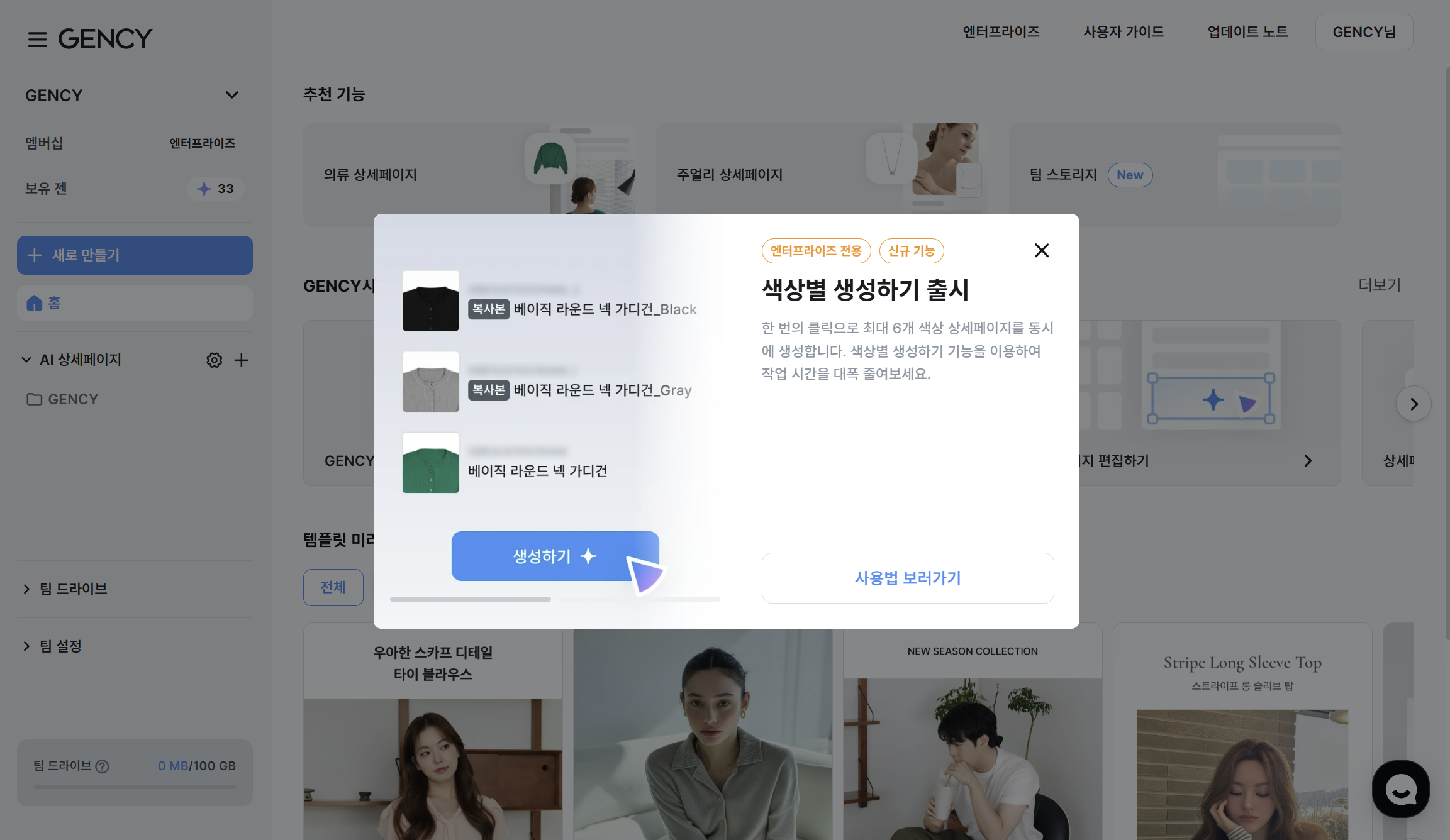
- Enterprise only · Currently in trial operation (Beta).
- From a detail page made in a single color, click the three dots (⋮) on the workspace card → Generate by color (Beta) to get started.
- You can add up to 6 colors at once, and 1 GEN is used per color.
- You can upload PNG, JPEG, WebP, and HEIC formats / up to 80MB per file.
AI auto-placement + refinementOnce analysis is complete, the new photos are automatically placed to match the photo spots of the original detail page.
Once analysis is complete, the new photos are automatically placed to match the photo spots of the original detail page.
Each spot is labeled Original / Replaced / AI-generated, so you can see at a glance which spots were changed and how.
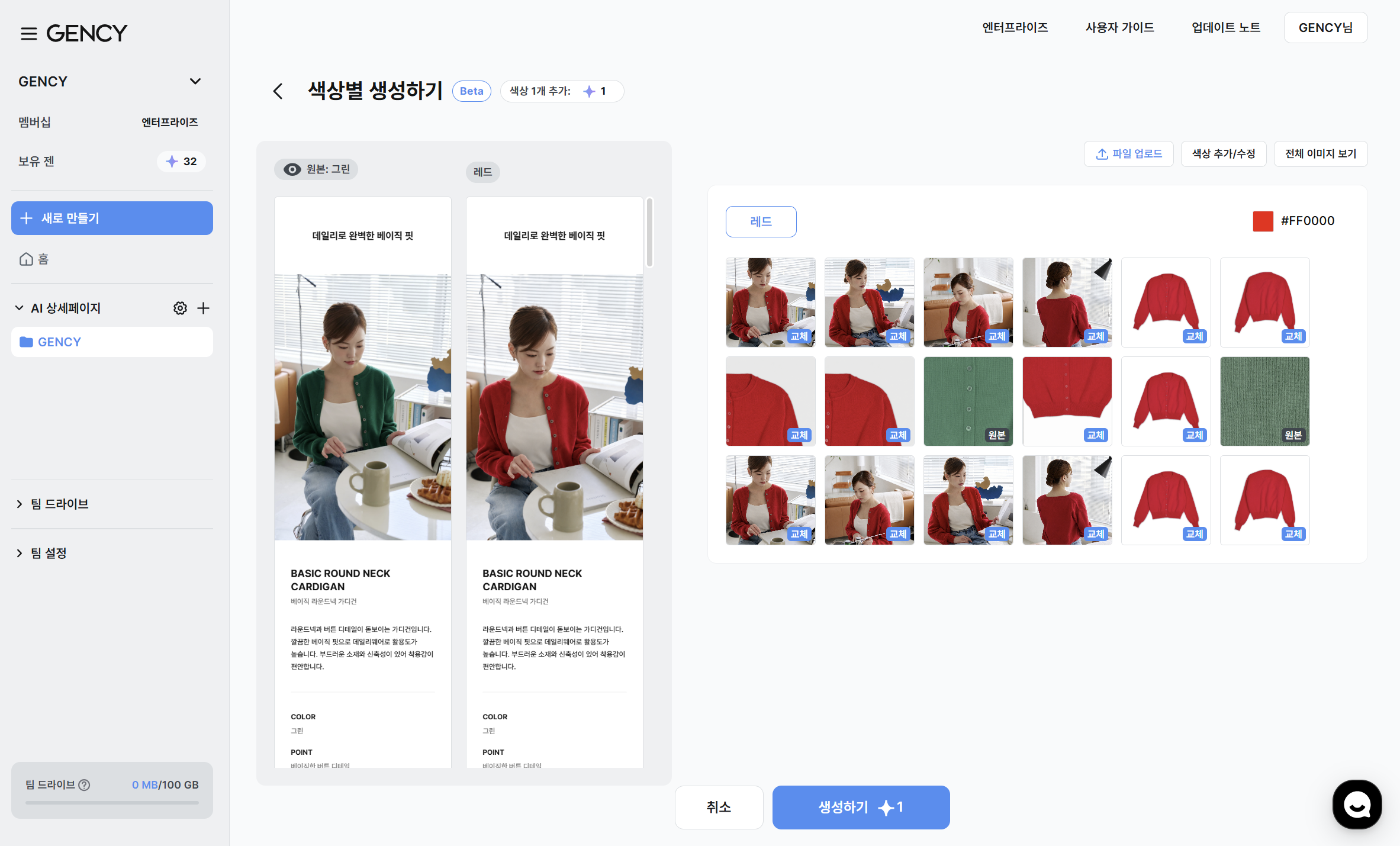
- Switch between colors using the color tabs to review photos as you refine.
- For any missing spots, the original photo is used as-is, so nothing is left out.
- If the photo order looks off, you can drag to reorder or replace photos directly via File upload.
Per-photo More menu - AI Color ChangeHovering over each photo reveals a More menu (three dots) with two options.
Hovering over each photo reveals a More menu (three dots) with two options.
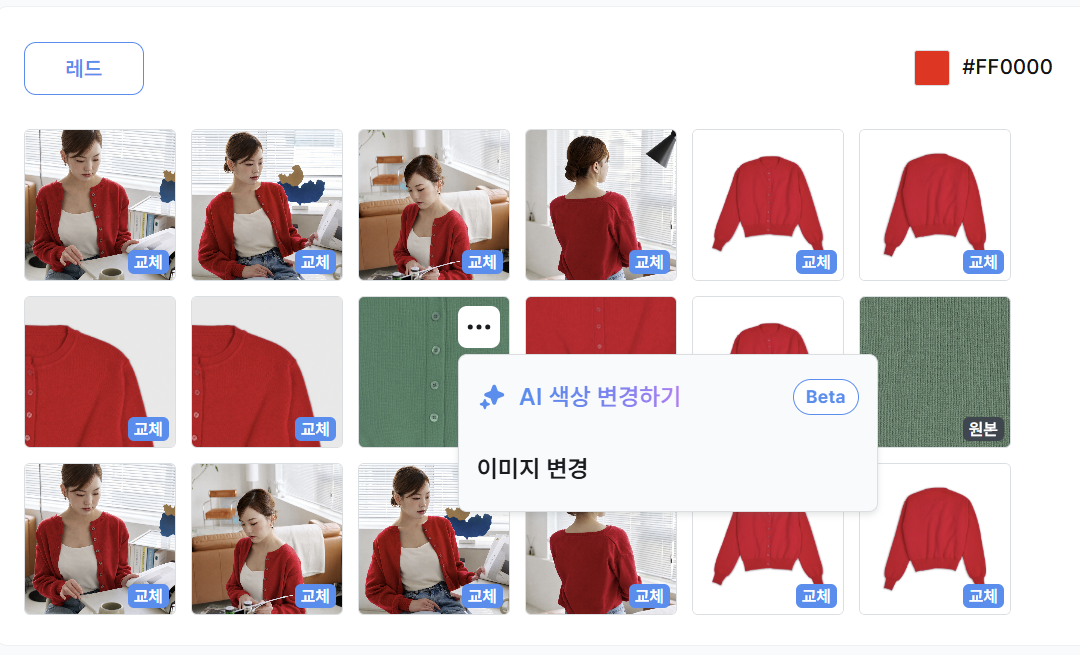
- Change image: Swap the spot with a different photo from the ones you've already uploaded.
- AI Color Change (Beta): The AI redraws the original photo in the color of the current color tab. It takes about 30 seconds to 1 minute, and once complete, the label changes to AI-generated.
— The GENCY team