AI image generation launch
We've added a new AI Image Generation (Beta) feature that lets you quickly create images for your product detail page from a single product photo.
At a glance
New3
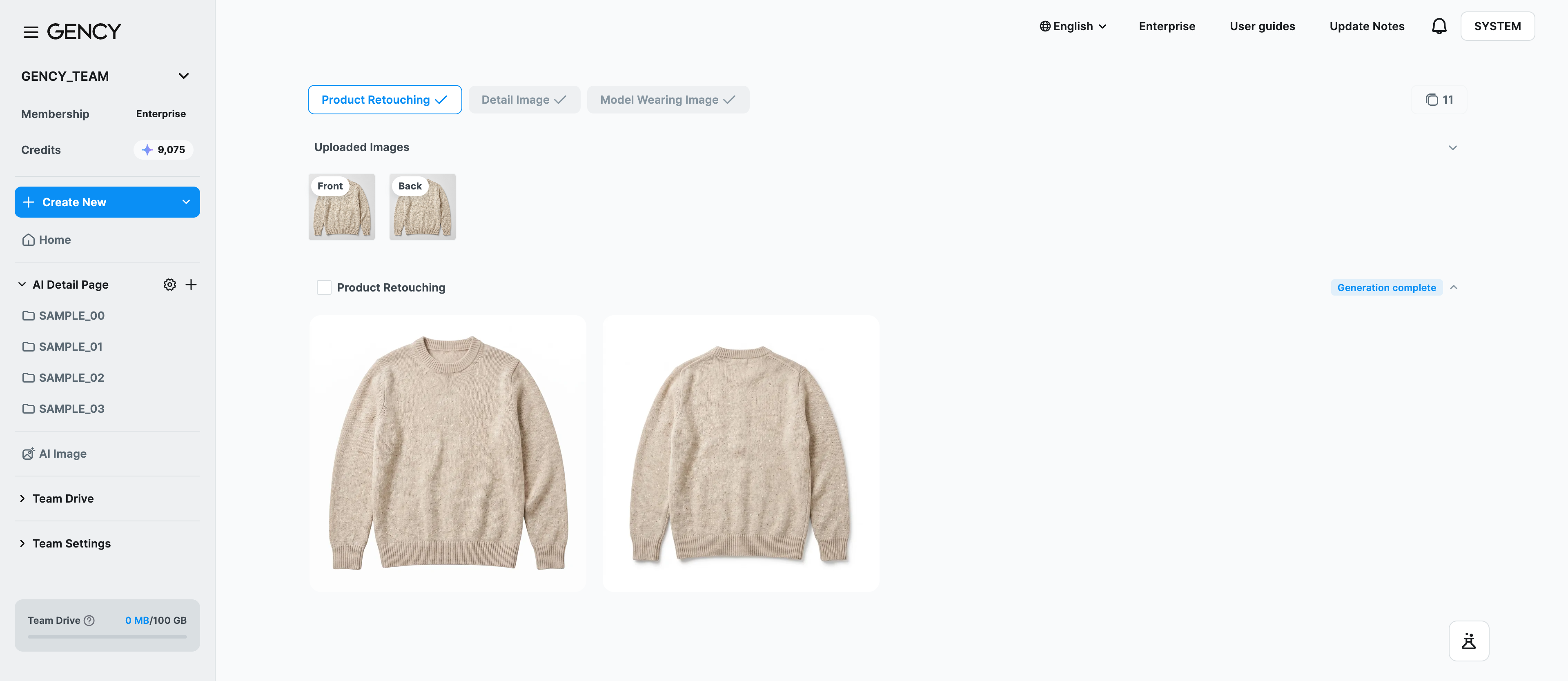
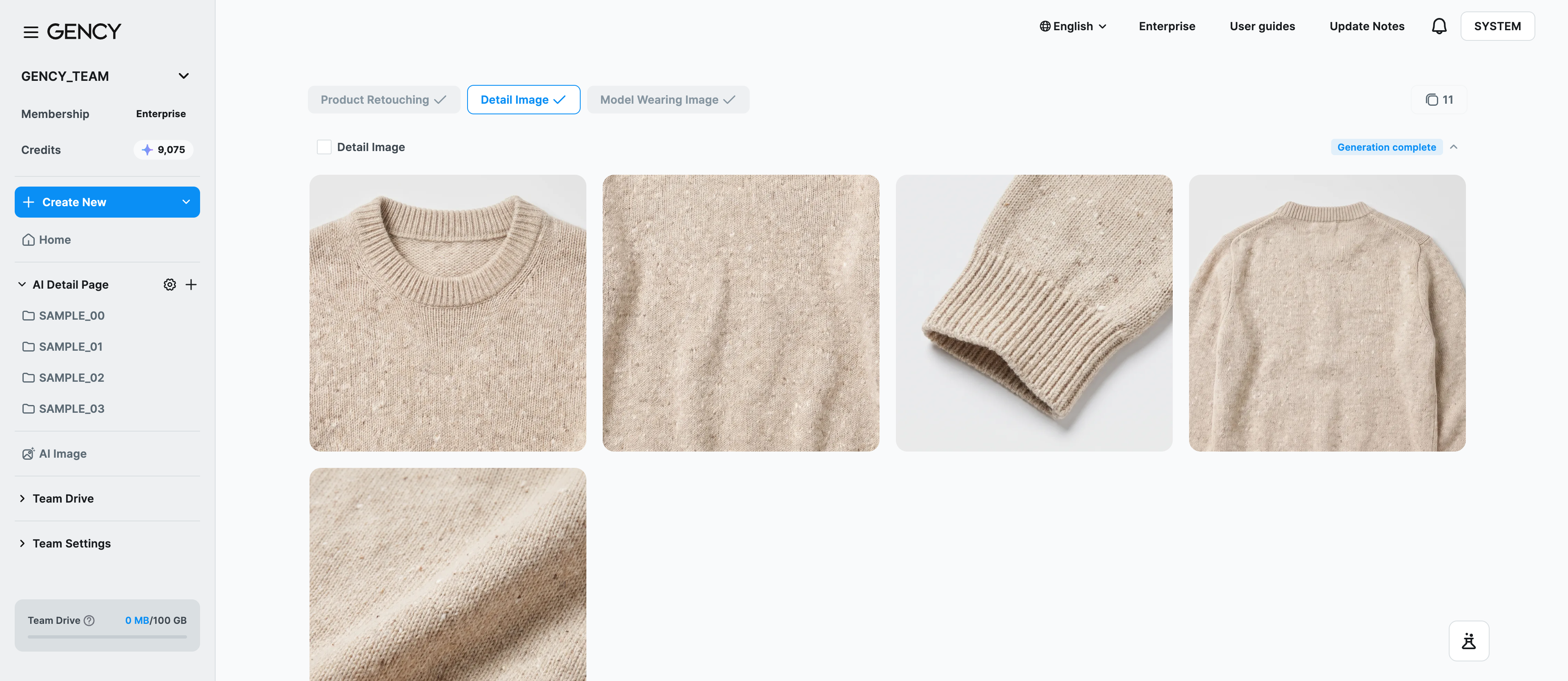
Three results at onceBased on the product image you upload, you can generate product retouching, detail images, and model-worn images all at once, or pick only the ones you want.
Based on the product image you upload, you can generate product retouching, detail images, and model-worn images all at once, or pick only the ones you want.
- Product retouching ㅣ 2 images with adjusted brightness and tone (takes about 4 minutes)
- Detail images ㅣ 4 detail shots + 1 material shot (takes about 10 minutes)
- Model-worn images ㅣ 4 virtual model-worn shots (takes about 10 minutes)
.png)
Virtual models and styling slotsWhen creating model-worn images, you can choose from 16 built-in virtual models.
When creating model-worn images, you can choose from 16 built-in virtual models. You can select the clothing, shoes, and accessories to dress them in from presets, or add your own. If you leave them empty, the AI will complete a matching outfit for you.
- Enterprise customers can add team-exclusive virtual models through a separate inquiry.
- There are 5 styling slots: top, bottom, outerwear, shoes, and accessories.
- Styling items you add yourself are automatically classified by the AI and placed in the appropriate slot.
24-hour regeneration and additional generationFor 24 hours from the time of generation, you can freely refine your results within the same session.
For 24 hours from the time of generation, you can freely refine your results within the same session. A 24H Regenerate badge appears in the generation history list.
- You can additionally generate other options you didn't select at first.
- Use Regenerate to remake the same option, or Generate more to add keywords and create new images.
- Up to 500MB total is stored per project.
For detailed instructions, please see the AI Image Generation guide.